
Quick summary (30 sec)
Generate a family of ads from one brief with AI, save your brand identity, prepare video and copy in Saudi and Gulf dialects, and upload HTML5 packages for checking before they run.
What is it?
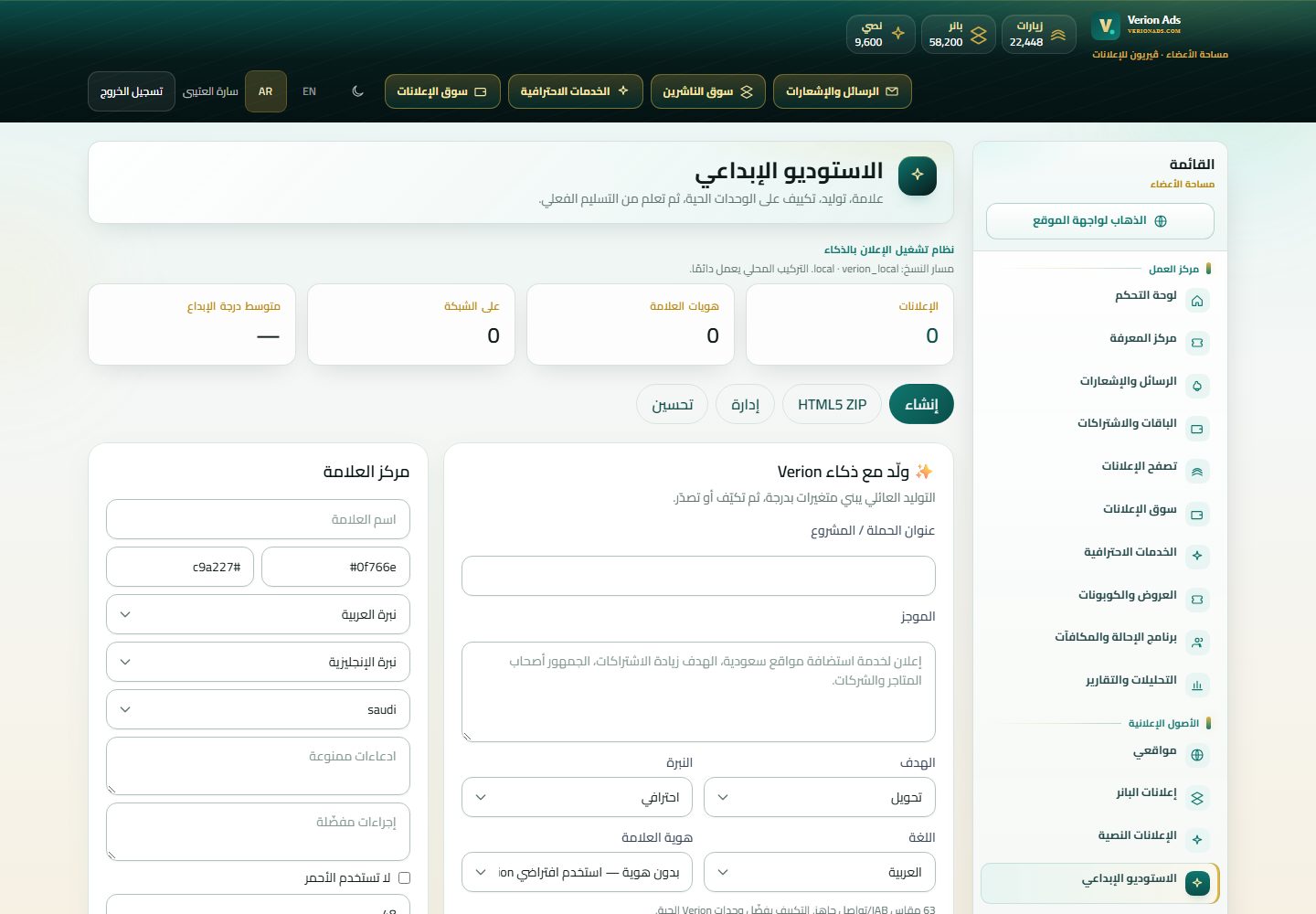
Creative Studio is a design desk inside the member area: write a brief and Verion generates a family of ads in ready sizes, which you can adapt to ad units or export. It has four tabs: Create, HTML5 ZIP, Manage and Optimise.
Step-by-step
- Open Creative Studio from the menu.
- In the Brand center enter your brand name, colours, Arabic and English tone and banned claims, then Save identity.
- In “Generate with Verion AI” write the campaign title and brief, and choose the goal (conversion, traffic, awareness, leads), tone, language and brand identity.
- Press Generate creative family. More than 60 ready IAB and social sizes are available.
- Try the other studios on the same page: video (6, 10 or 15 seconds, vertical, square or landscape), content, virtual presenter, product photo, copy lab and external channels.
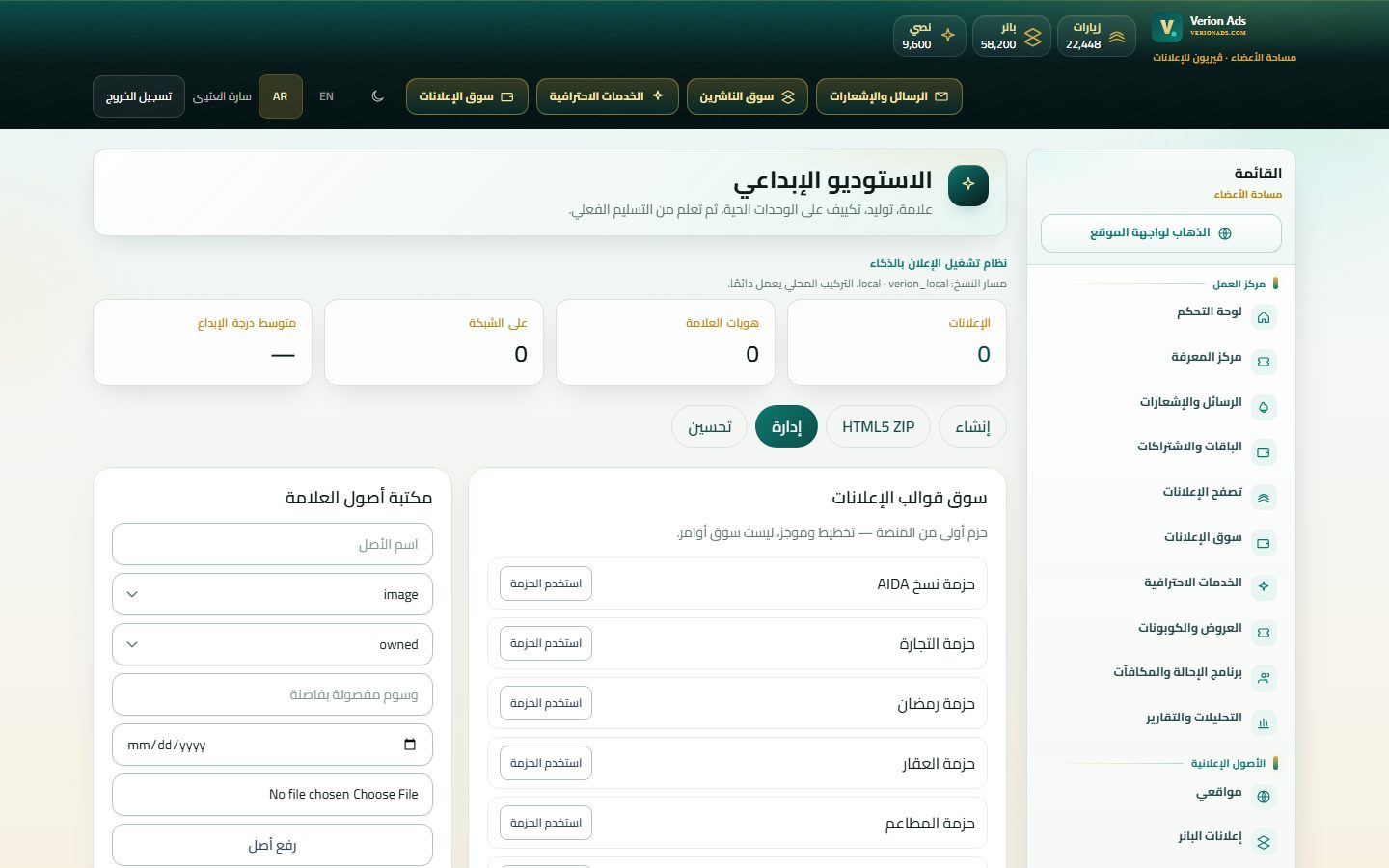
- In Manage use ready template packs (commerce, Ramadan, real estate, restaurants and more) and upload your logos and images to the asset library.
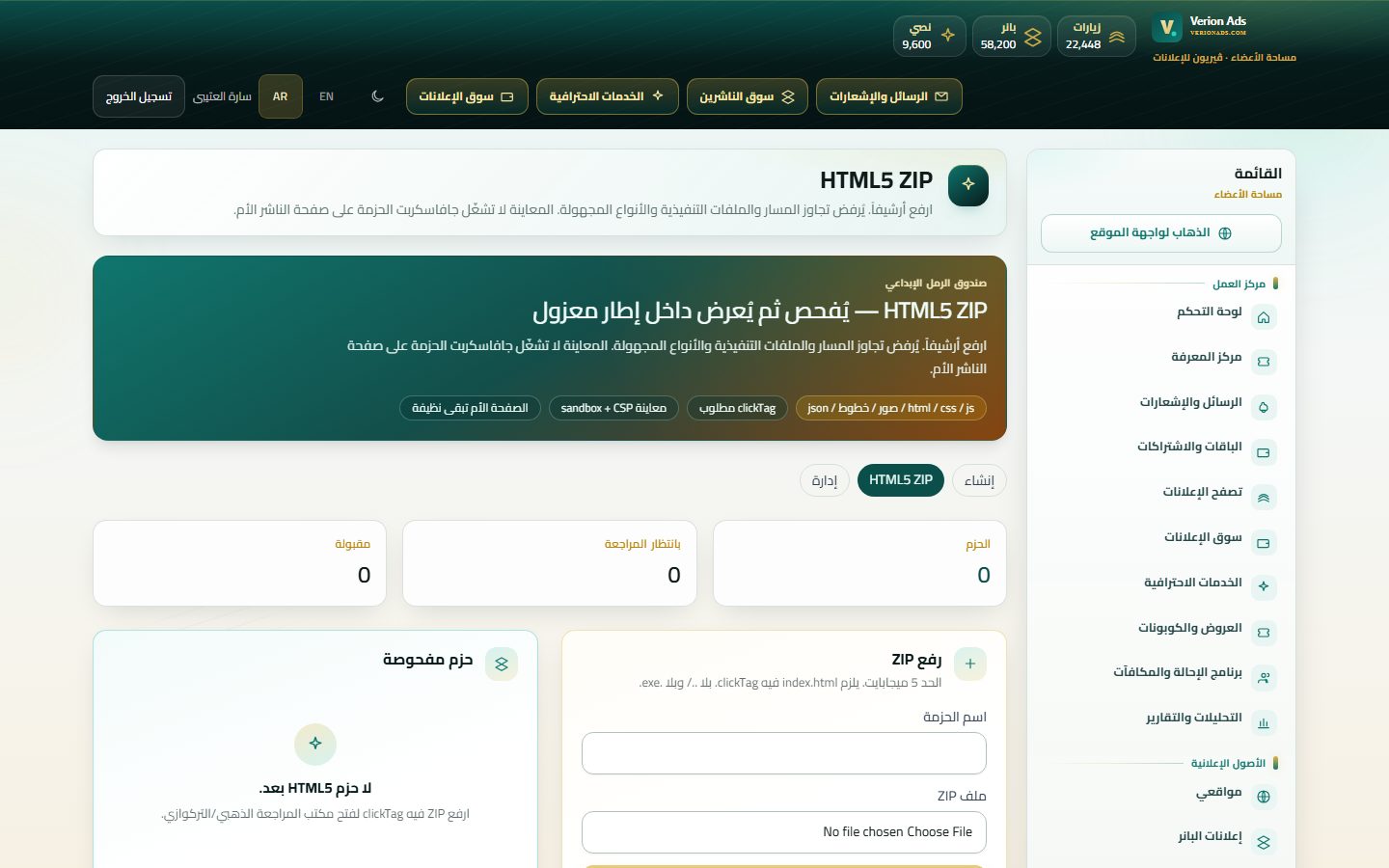
- For a finished HTML5 ad, open HTML5 ZIP and upload the package to check and preview it.
Screen options explained
- Copy lab: AIDA ad copy in Saudi, Gulf, Modern Standard Arabic or English.
- Content studio: a script and a Gulf or Saudi voice with an AI-content disclosure; it starts in review.
- External channels: adapted drafts only — the platform does not publish or send from there.
- Asset library: each asset has a type (logo, image, product, video) and a rights status (owned, licensed, limited).
- HTML5 ZIP: 5 MB limit, index.html with a clickTag is required, and paths like ../ or executable files are rejected.
Best practices
- Save your brand identity first so every design uses your colours and tone.
- Generate a full family, then test the best two variants in A/B experiments.
Security & fraud controls
- HTML5 previews run in an isolated frame with a security policy and never run the package’s JavaScript on the publisher’s page.
- Your own AI key is optional, stored encrypted and never shown again.
Troubleshooting
My HTML5 package was rejected
Keep it under 5 MB, put index.html at the root with a clickTag, and remove ../ paths and executable files.
I do not see Creative Studio in the menu
The feature is switched on by the admin. If it is missing, contact support.
Was this helpful?