
Quick summary (30 sec)
Banners — How to Launch — feature-specific Verion guide.
What is it?
How to launch a banner campaign: create creative → pass review → ensure credits → monitor CTR/impressions.
Why use it?
Use this when you are ready to spend banner credits on a live creative.
When to use — and when not
- Creative file ready at exact size
- Landing page mobile-friendly
How it works in Verion
Verion serves approved banners into matching placements. Credits burn on delivery; pause creatives that burn without CTR.
Requirements
- Approved banner
- Active credits
Who it is for
- Advertisers
Step-by-step
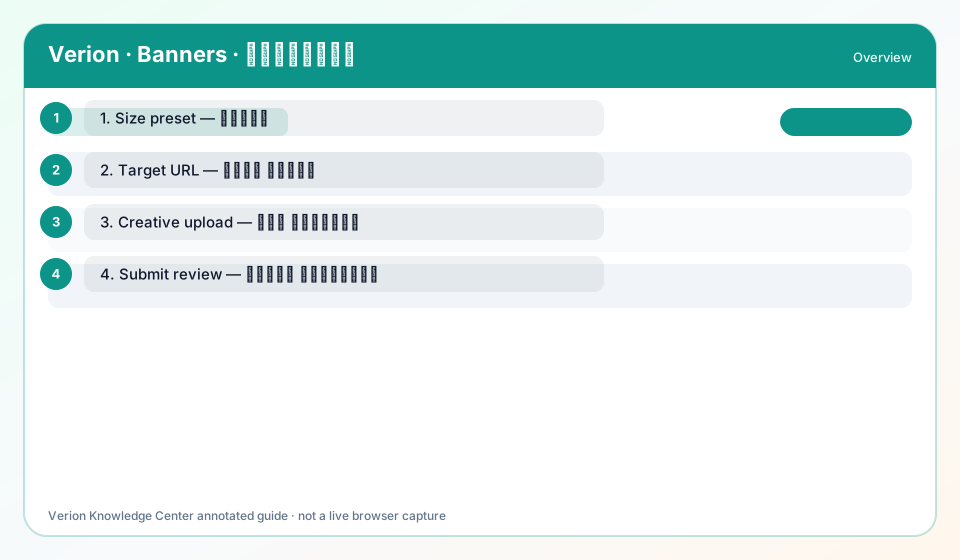
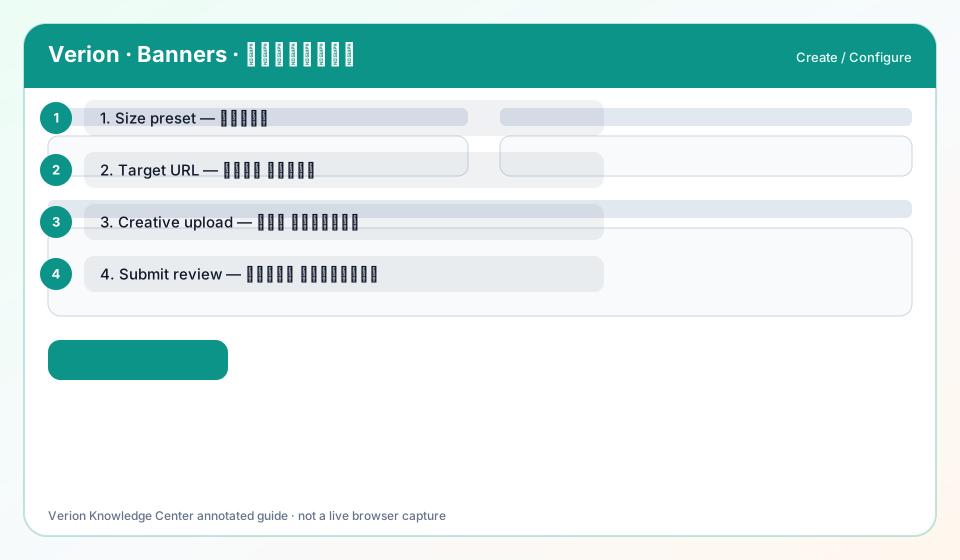
- Create banner with correct Size and Target URL.
- Pass moderation (status approved).
- Confirm credit balance covers planned daily spend.
- Tighten geo/device if early CTR is weak.
- Pause losers after 48h; keep winners.
Best practices
- Launch 2–3 size variants for the same offer
- Localize creatives for AR markets
Common mistakes
- Scaling before approval
- Ignoring frequency fatigue
FAQ
Do I need a website listed?
Advertisers need a target URL; publishers need verified sites to earn from display.
Troubleshooting
Credits drop but no clicks
Check creative clarity, landing speed, and targeting. Review Analytics.
Was this helpful?