
Quick summary (30 sec)
Full Verion Knowledge Center guide for Banners.

What is it?
Banners are image creatives served into publisher placements across the Verion Ads exchange. Advertisers spend banner credits; publishers earn by displaying approved sizes with healthy viewability.
Why use it?
Banners deliver image creatives into publisher placements. Key fields: Size (exact pixels), Target URL, image upload/URL, optional targeting, and Frequency Cap (max impressions per user window to reduce fatigue).
When to use — and when not
- Use when your goal matches this channel’s delivery model.
- Use after websites/profile basics are complete.
- Do not use if the plugin is OFF for your account/network.
How it works in Verion
Create via member Banners → Add banner. Size must match creative dimensions; Frequency Cap concepts appear in settings reference and field help (ⓘ). Credits burn on delivery after approval.
Requirements
- Active Verion member account with email verified when required.
- Sufficient related credit balance.
- Website verified when the feature depends on inventory.
- Plugin enabled by the operator when gated.
Who it is for
- Publishers
- Advertisers
- Agencies operating Verion workspaces
Step-by-step
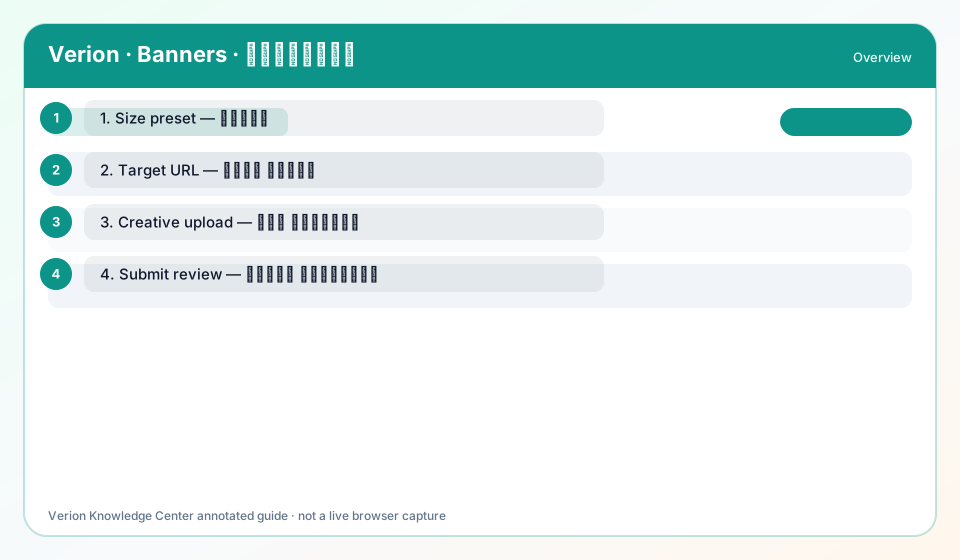
- Open Banners and confirm banner credits.
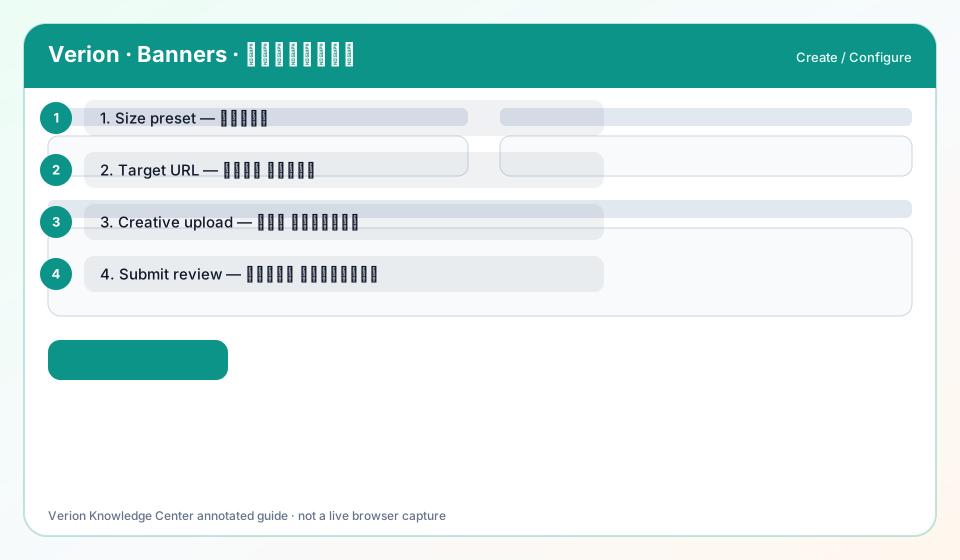
- Add banner: set Size to a SIZE_PRESETS value matching your file.
- Set HTTPS Target URL; upload image ≤512 KB or image URL.
- Optional targeting (country/language/device/hours).
- Submit for review; after approval monitor impressions/CTR and respect Frequency Cap guidance.
Screen options explained
- List view: status, spend/earn, and quick actions.
- Create/edit form: required fields blocked until valid.
- Help (?): opens this Knowledge Center overview.
Best practices
- Start small, measure, then scale.
- Reconcile credit burn against Analytics.
Common mistakes
- Launching before verification.
- Ignoring zero-delivery warnings.
FAQ
What is Frequency Cap?
Max impressions per user in a time window to reduce ad fatigue.
Why is Size required?
Placements only serve matching dimensions; mismatch wastes credits.
Where is field help?
ⓘ icons on Size (and related fields) pull from the Knowledge registry.
Troubleshooting
Banner rejected or stuck pending
Fix size mismatch, HTTPS target, and policy-safe creative; resubmit.
Zero impressions after approval
Check banner credits, Frequency Cap, targeting, and whether placements exist for that size.
Was this helpful?