
Quick summary (30 sec)
Banners — Best Practices — feature-specific Verion guide.

What is it?
Banner best practices: exact size match, high-contrast creatives, honest landing pages, and frequency awareness.
Why use it?
Apply after your first approved creative to improve CTR without burning credits.
When to use — and when not
- You have delivery data for ≥24h
How it works in Verion
Optimize creative and targeting inside member Banners + Analytics. Prefer documented Verion controls over third-party cloaking.
Requirements
- Approved inventory
Who it is for
- Advertisers
- Agencies
Step-by-step
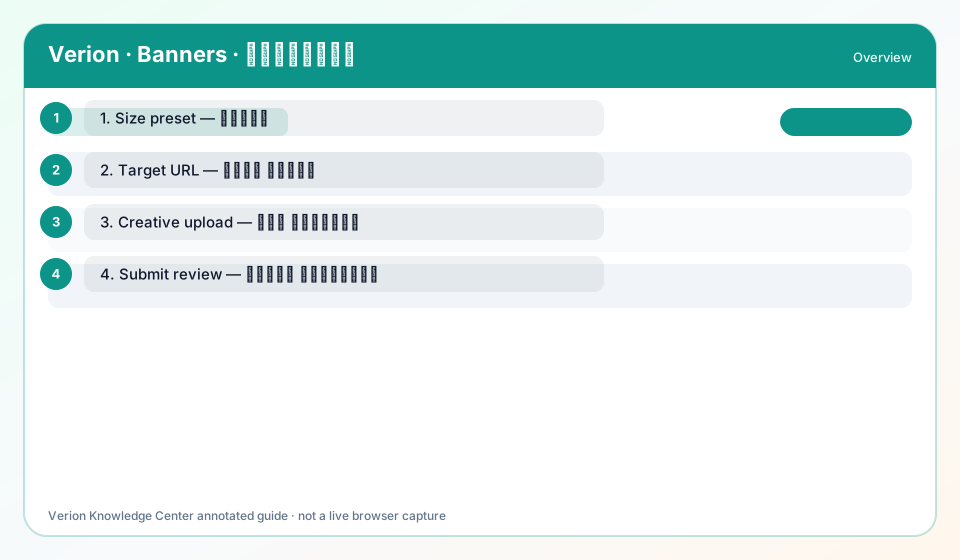
- Audit Size vs actual image pixels.
- Replace low-contrast creatives.
- Align headline promise with landing page.
- Narrow geo to countries you serve.
- Re-check after each creative swap.
Best practices
- One offer per creative
- AR/EN separate creatives when messaging differs
Common mistakes
- Animated GIFs that exceed size/policy
- Misleading “close” buttons
FAQ
What CTR is healthy?
It varies by size and niche; compare your own variants rather than inventing a global benchmark.
Troubleshooting
Approved but clipped
Re-export at exact Size preset dimensions.
Was this helpful?