
Quick summary (30 sec)
Websites — Settings Reference — feature-specific Verion guide.
What is it?
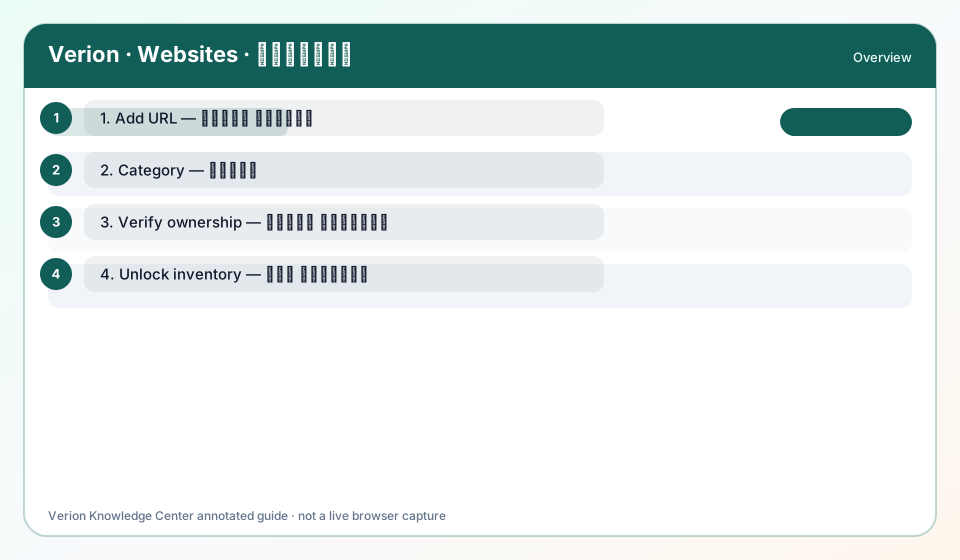
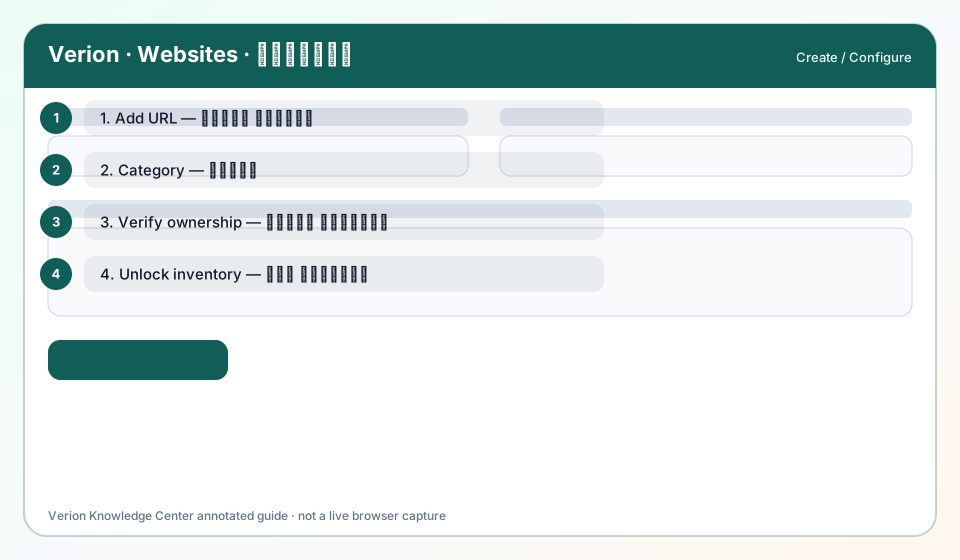
Field reference: Title, URL, Category, Description, Active, Verification status.
Why use it?
While filling create/edit forms.
When to use — and when not
- On member websites forms
How it works in Verion
Server validation rejects empty URL or non-HTTP(S) schemes depending on rules.
Who it is for
- Verion members using this feature
Step-by-step
- Title — label in your list.
- URL — canonical HTTPS site root or path you own.
- Category — policy/matching hint.
- Description — human summary for reviewers/matching.
- Active — whether inventory is eligible.
- Verification — ownership proof state.
Best practices
- Use ⓘ field help where shown
Common mistakes
- Putting tracking junk in Title
FAQ
Max sites?
Follow operator/plan limits if entitlements apply.
Troubleshooting
Validation error
Fix URL format first, then category.
Was this helpful?