
Quick summary (30 sec)
Banners — Advertiser Setup — feature-specific Verion guide.
What is it?
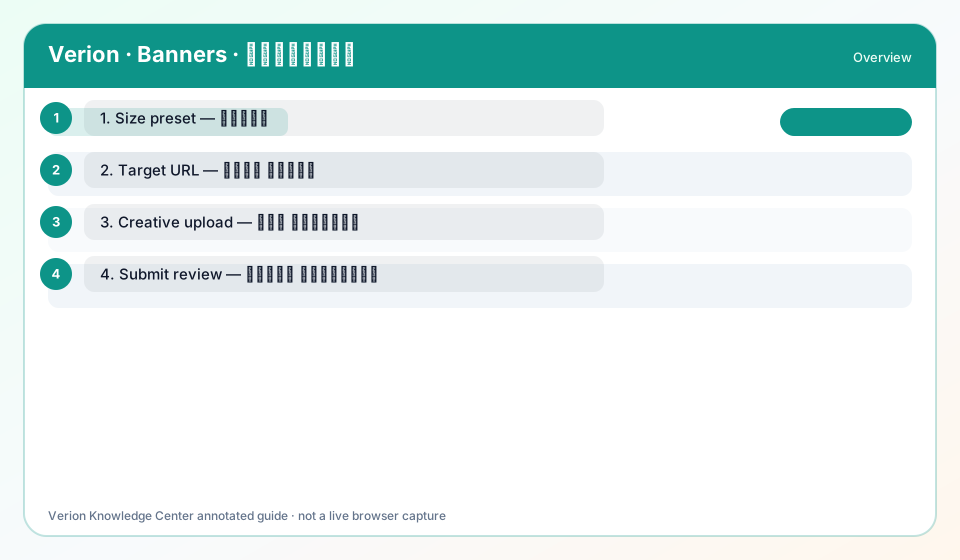
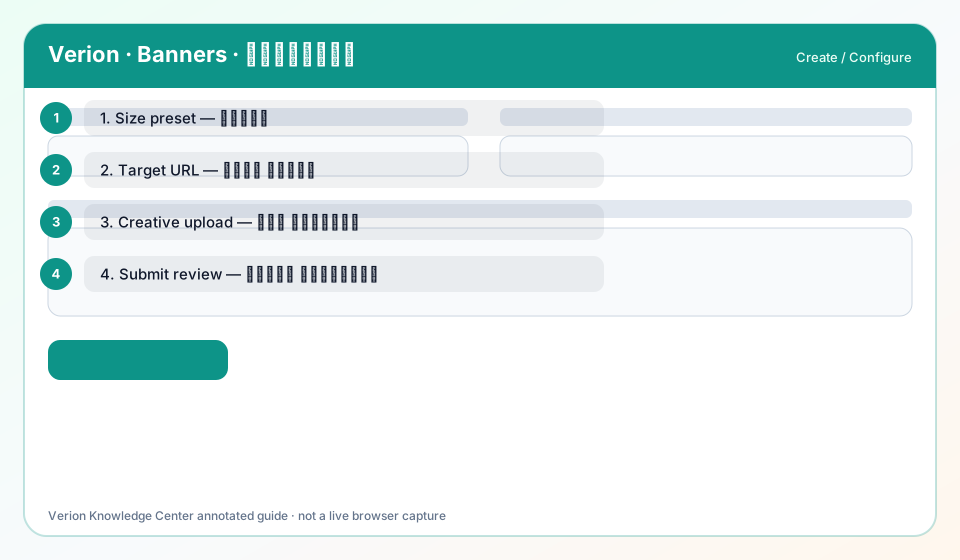
Advertiser setup for banners: credits, creatives, targeting, and review loop.
Why use it?
When you buy display traffic.
When to use — and when not
- Banner credits available
How it works in Verion
Spend path: Buy credits or convert → create banner → approve → deliver.
Requirements
- Member account
Who it is for
- Advertisers
Step-by-step
- Fund banner credits.
- Create creative at exact Size.
- Submit for review.
- Monitor impressions/CTR.
- Iterate creatives.
Best practices
- Start with one geo
Common mistakes
- Burning entire balance on day one
FAQ
Text ads vs banners?
Text ads need no image; banners need Size + creative.
Troubleshooting
Rejected repeatedly
Read rejection reason; fix landing and creative.
Was this helpful?