
Quick summary (30 sec)
Websites — Getting Started — feature-specific Verion guide.
What is it?
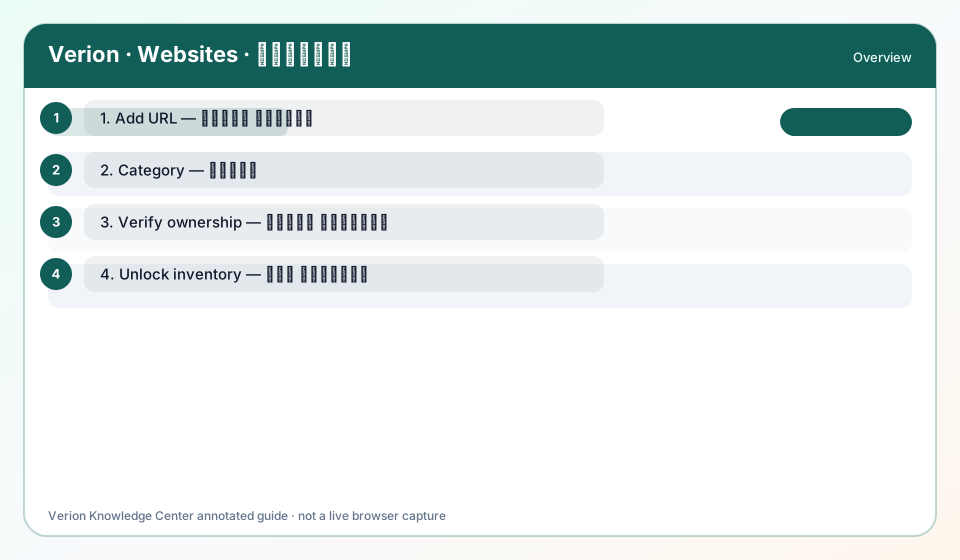
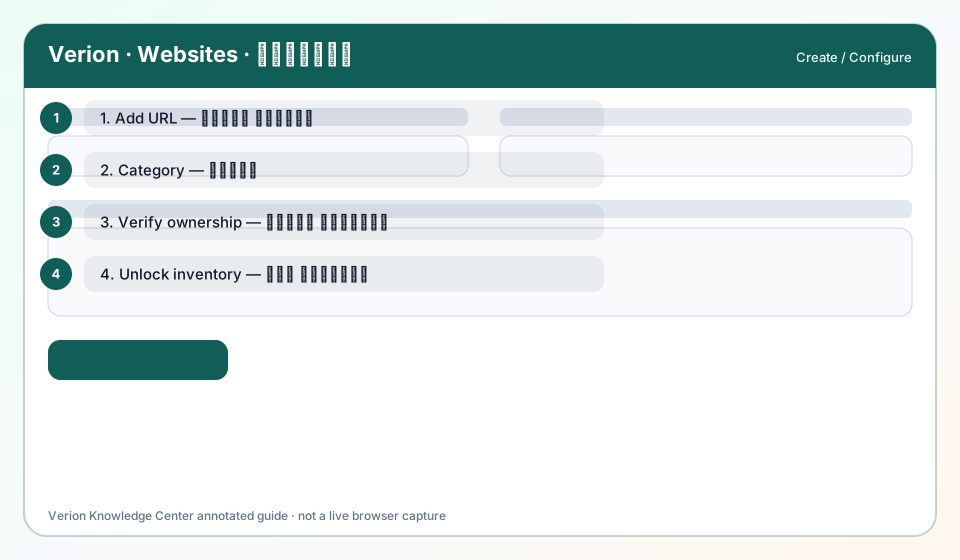
Add your first website with Title, HTTPS URL, Category, and Description — verification unlocks Surf, channels, and placements.
Why use it?
Start before Surf or channel monetization; inventory must be yours.
When to use — and when not
- You control the domain DNS/HTML
- Before expecting Surf hits or zone codes
How it works in Verion
Member → Websites → Add. Fill Title, URL (HTTPS), Category, Description. Then complete domain verification (DNS TXT or HTML meta) from Domain Verification / website tools.
Requirements
- Verified email
- Domain access
- websites plugin ON
Who it is for
- Verion members using this feature
Step-by-step
- Open Websites and click Add.
- Enter HTTPS URL you own (no cloaked redirect chains).
- Pick the closest Category for policy matching.
- Write an honest Description (language, niche).
- Run verification (DNS or meta) until status verified.
- Only then install tags/zones or expect Surf eligibility.
Best practices
- One primary domain first
- Keep verification tokens private
Common mistakes
- HTTP-only URLs
- Verifying domains you do not control
FAQ
Why verify?
Stops inventory spoofing and unlocks earning/delivery features tied to ownership.
Troubleshooting
Stuck pending verify
Recheck DNS TTL, exact TXT host/value, or meta tag placement in <head>.
Was this helpful?