
Quick summary (30 sec)
Websites — Advertiser Setup — feature-specific Verion guide.
What is it?
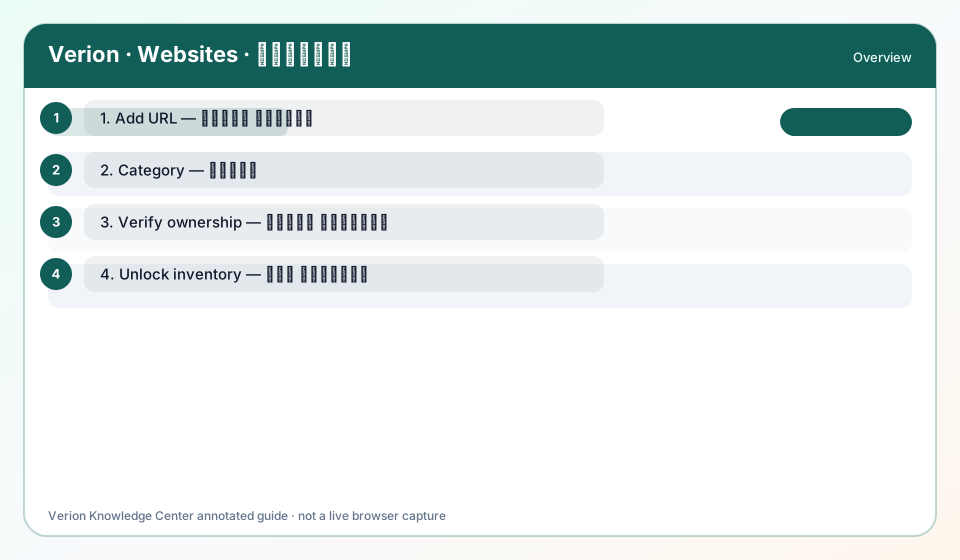
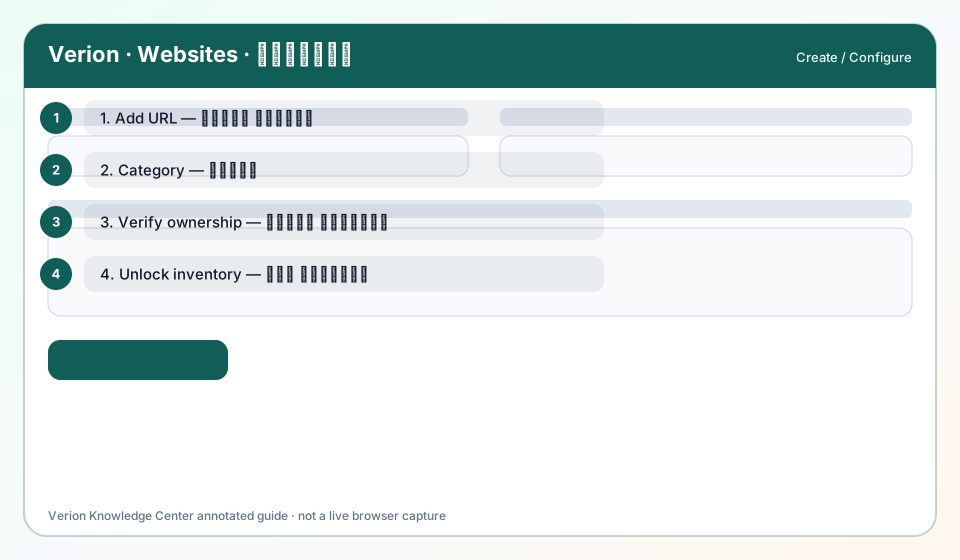
Advertiser note: websites you promote are Target URLs — they need not be in your Websites list unless you also publish.
Why use it?
When buying traffic to an offer.
How it works in Verion
Advertisers spend credits on Surf/banners/text toward destination URLs; publishers list inventory separately.
Who it is for
- Verion members using this feature
Step-by-step
- Prepare HTTPS landing page.
- Create Surf/Banner/Text campaign to that URL.
- Do not invent a “verify offer URL” step unless the product shows one.
FAQ
Must I add competitor sites?
No — only inventory you own belongs in Websites.
Troubleshooting
Landing blocked
Fix policy issues; retest campaign.
Was this helpful?