
Quick summary (30 sec)
Banners — Troubleshooting — feature-specific Verion guide.

What is it?
Banner troubleshooting for pending, rejected, zero-fill, and credit burn without clicks.
Why use it?
Use when delivery or approval fails.
When to use — and when not
- Any blocked banner action
How it works in Verion
Work the checklist in order: status → size → credits → targeting → publisher fill.
Requirements
- Access to Banners list
Who it is for
- Members with banners
Step-by-step
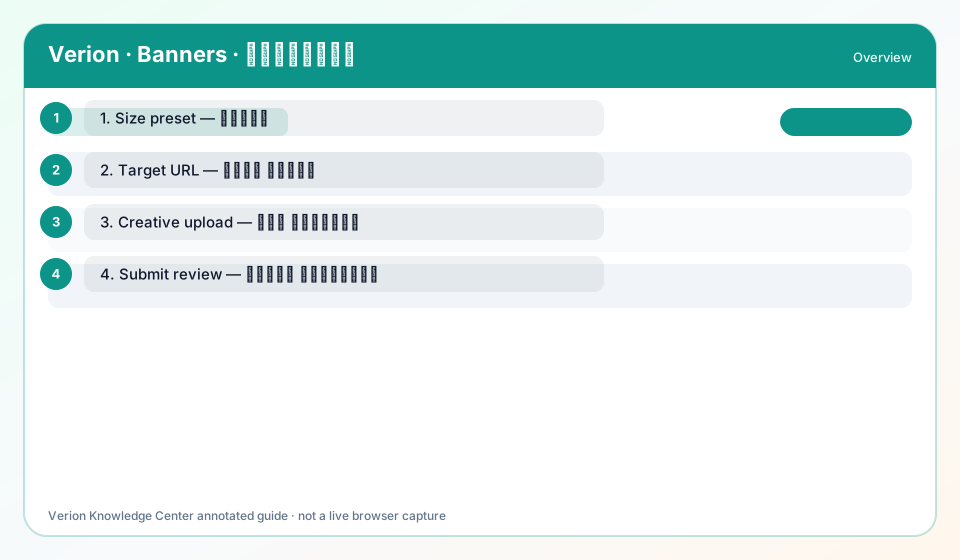
- Read the status badge (pending/approved/rejected/paused).
- Confirm Size matches file.
- Confirm banner credits > 0.
- Widen targeting if too narrow.
- Capture screenshot + banner ID for Support.
Best practices
- Fix size before re-uploading
Common mistakes
- Re-submitting identical rejected files
FAQ
Where is Frequency Cap help?
Field help on campaign rules and this guide explain max impressions per user window.
Troubleshooting
Menu missing
Ask operator to enable banners plugin.
Still zero after fixes
Open ticket with feature key banners.
Was this helpful?