
Quick summary (30 sec)
Websites — How to Launch — feature-specific Verion guide.
What is it?
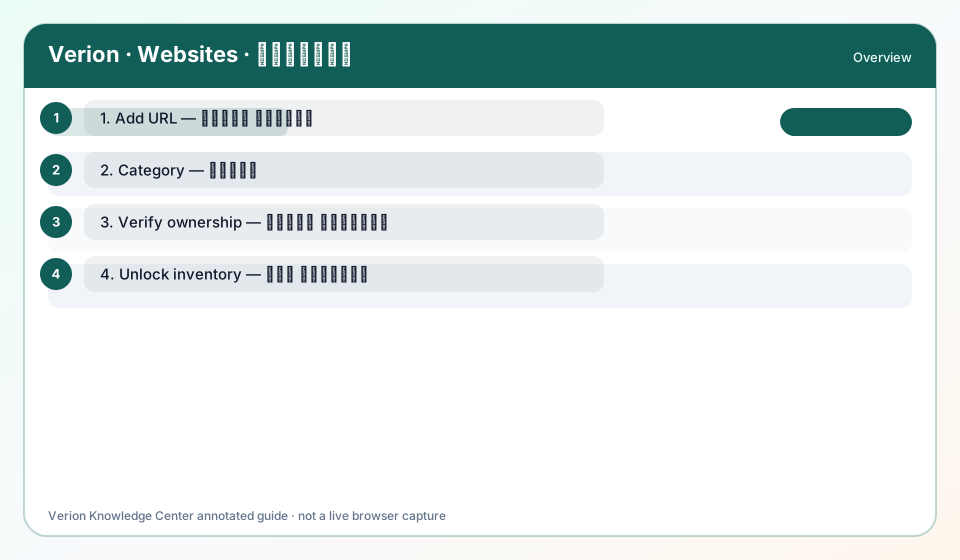
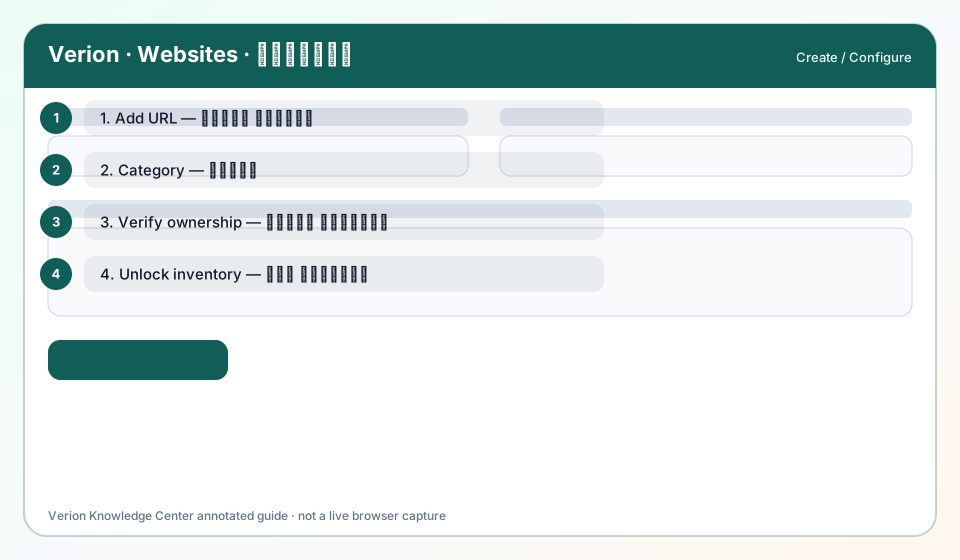
How to take a website from draft → verified → earning-ready inventory.
Why use it?
Use after the website row exists.
When to use — and when not
- Website created
- DNS or HTML access ready
How it works in Verion
Verification tokens are per-site. After verified, attach placements/tags and keep the site Active.
Requirements
- Website ID
- Verification method chosen
Who it is for
- Verion members using this feature
Step-by-step
- Open the website detail / verification panel.
- Choose DNS TXT or HTML meta method.
- Copy token exactly; publish DNS or meta.
- Click Re-check until verified.
- Install publisher embed / Ad Tech tag as needed.
- Monitor Quality Score and Surf eligibility.
Best practices
- Wait for DNS propagation before rapid rechecks
Common mistakes
- Editing URL after verify without re-check
FAQ
Can I change URL later?
Treat it as new inventory — re-verify ownership.
Troubleshooting
Verified but no Surf
Check Surf plugin, caps, and site active status.
Was this helpful?