
Quick summary (30 sec)
Banners — Settings Reference — feature-specific Verion guide.
What is it?
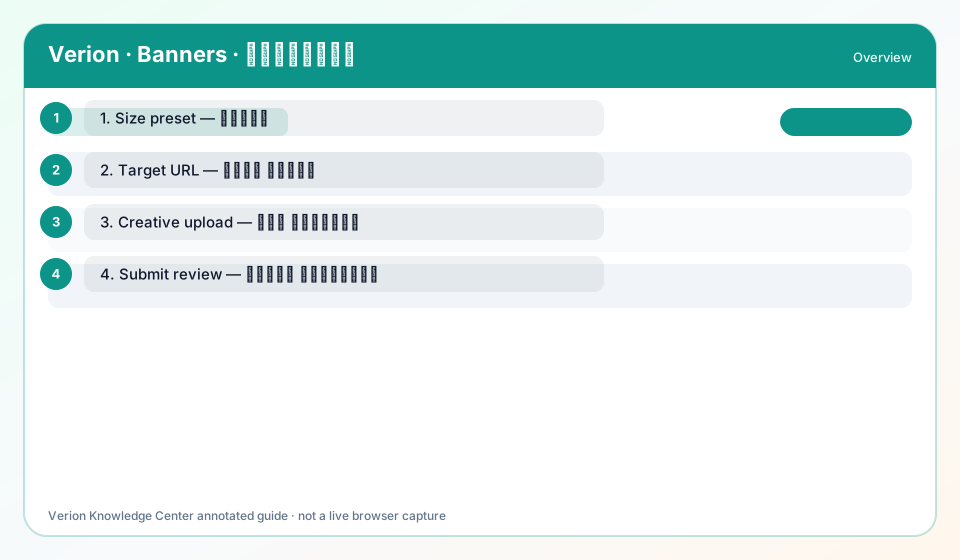
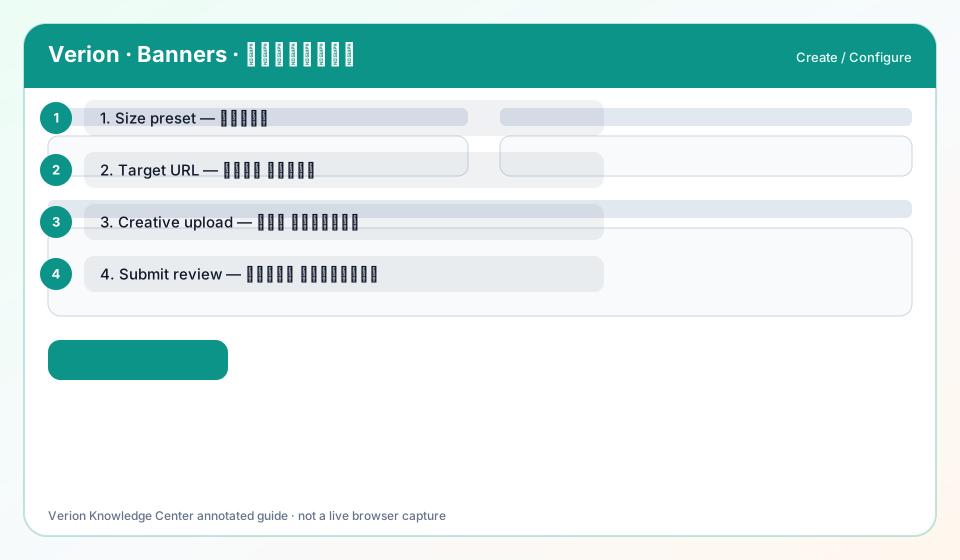
Settings reference for banner create fields: Title, Size, Target URL, image/image_url, targeting matrix, Frequency Cap concepts.
Why use it?
Use while filling the create/edit form.
When to use — and when not
- On member.banners.create
How it works in Verion
Each field maps to server validation; invalid Size or empty target blocks submit.
Requirements
- Member banners access
Who it is for
- Advertisers
Step-by-step
- Title — internal label in your list.
- Size — required; must match creative pixels (field help available).
- Target URL — destination after click.
- Upload image OR image URL.
- Targeting — optional countries, languages, devices, hours.
- Frequency Cap — when exposed, caps impressions per user window.
Best practices
- Use field-help ⓘ icons on the form
Common mistakes
- Leaving Size mismatched to file
FAQ
Is Frequency Cap always visible?
Documented as a concept; UI exposure depends on campaign rules in your build.
Troubleshooting
Validation fails on image
Stay ≤512 KB and use allowed image types.
Was this helpful?