
Quick summary (30 sec)
Surf — Getting Started — feature-specific Verion guide.
What is it?
Surf getting started: timed hits earn credits you later spend to send visitors to your sites.
Why use it?
First-time earners and site owners.
When to use — and when not
- After email verification when required
- Website submitted if you will receive traffic
How it works in Verion
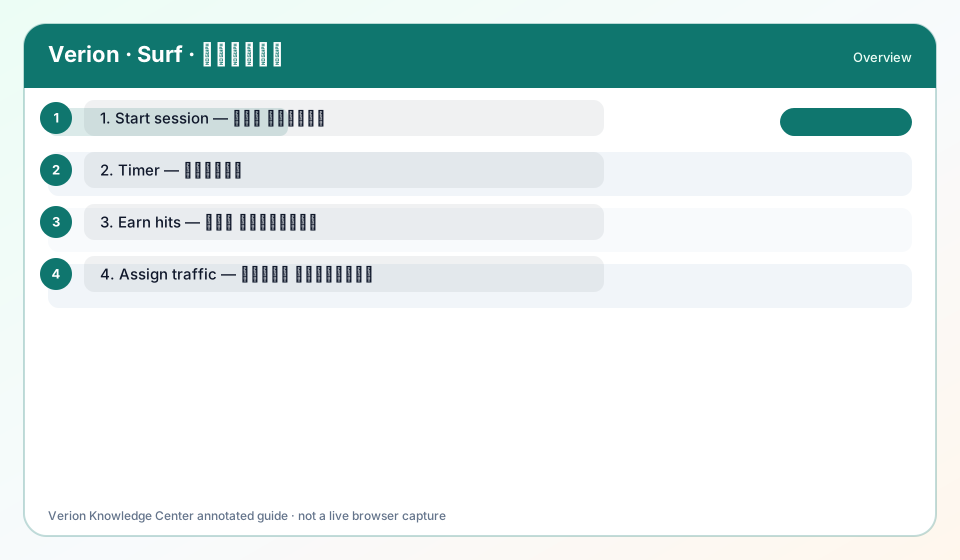
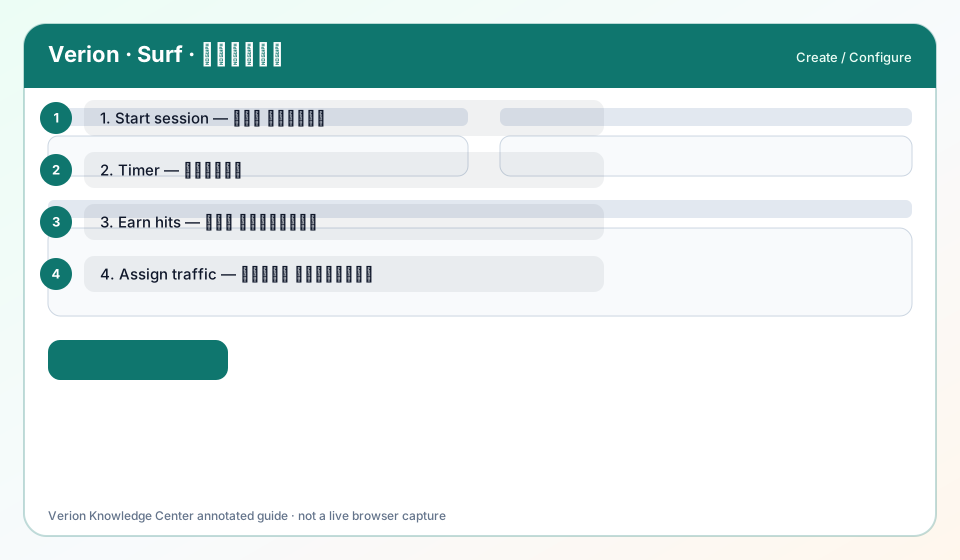
Open Surf, wait the timer, earn hit credits, assign sites to receive traffic.
Requirements
- Active membership
- Surf timer not blocked by extensions
Who it is for
- Members earning hits
- Site owners
Step-by-step
- Open Surf from Workspace.
- Allow the Surf timer to complete (field: Surf timer seconds).
- Confirm hit credit increase.
- Ensure your website is approved to receive hits.
- Monitor quality holds.
Best practices
- Do not refresh mid-timer
- Disable aggressive blockers
Common mistakes
- Multiple tabs cheating
- VPN hopping mid-session
FAQ
What is the Surf timer?
Seconds required before a hit credit is granted — shown in Surf settings/help.
Troubleshooting
Timer never finishes
Disable blockers; try another browser; check fraud holds.
Was this helpful?