
Quick summary (30 sec)
Full Verion Knowledge Center guide for Referrals.
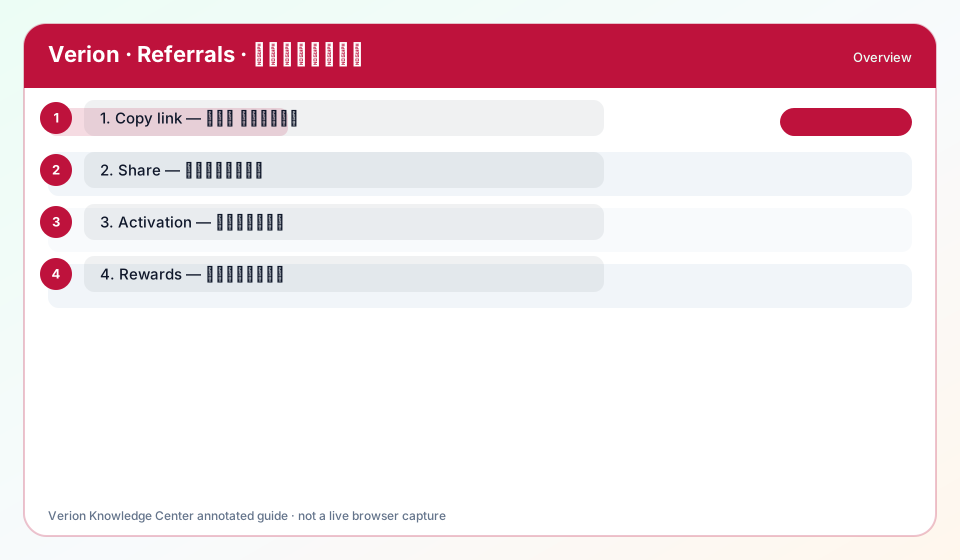
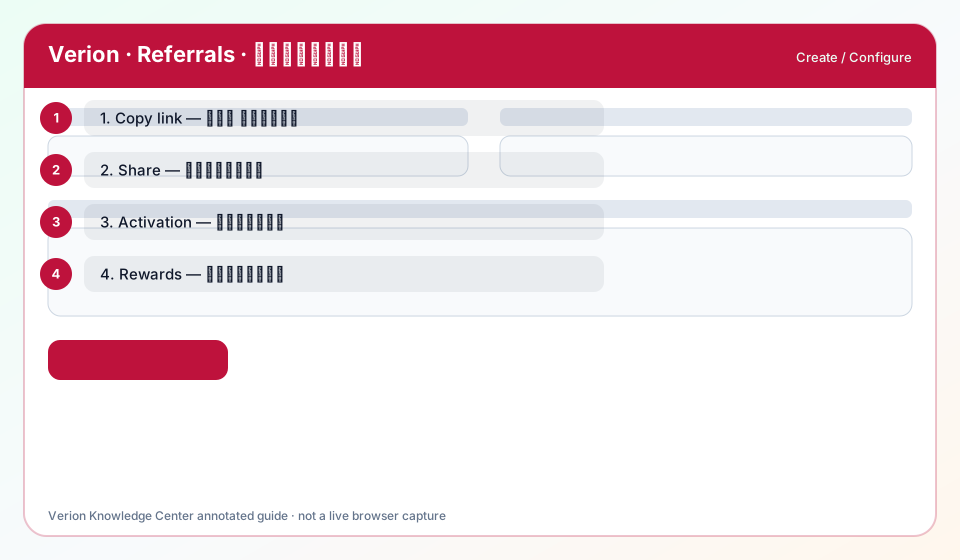

What is it?
Referrals reward you when new members join via your link and become active. Verion tracks attribution carefully to reduce self-referral and fraud abuse.
Why use it?
Referrals attribute new members via your link; rewards require genuine activation — self-referral is blocked.
When to use — and when not
- Use when your goal matches this channel’s delivery model.
- Use after websites/profile basics are complete.
- Do not use if the plugin is OFF for your account/network.
How it works in Verion
In Verion Ads, Referrals lives under the member navigation that mirrors this guide. Credits and delivery rules are enforced server-side.
Requirements
- Active Verion member account with email verified when required.
- Sufficient related credit balance.
- Website verified when the feature depends on inventory.
- Plugin enabled by the operator when gated.
Who it is for
- Publishers
- Advertisers
- Agencies operating Verion workspaces
Step-by-step
- Open Referrals from the member menu.
- Confirm credits and verification prerequisites.
- Create or select inventory/creative for this feature.
- Configure targeting and caps carefully.
- Launch, then monitor delivery daily.
Screen options explained
- List view: status, spend/earn, and quick actions.
- Create/edit form: required fields blocked until valid.
- Help (?): opens this Knowledge Center overview.
Best practices
- Start small, measure, then scale.
- Reconcile credit burn against Analytics.
Common mistakes
- Launching before verification.
- Ignoring zero-delivery warnings.
FAQ
What is Referrals?
Referrals reward you when new members join via your link and become active. Verion tracks attribution carefully to reduce self-referral and fraud abuse.
Troubleshooting
Referral not counted
Member must register via your link and activate; self-referral and closed rings are rejected.
Rewards missing
Check referral status on the Referrals page and whether the invitee met activity rules.
Was this helpful?